


What to Look for in Booking Software in 2026

Choosing booking software used to be simple: find one that lets clients book online and sends reminders. Done.
In 2026, the landscape is more crowded and the pricing models are more creative. Some tools are "free" but charge commissions on every new client. Others look cheap until you add staff, features, or SMS. A few charge a flat rate and include everything.
If you're choosing for the first time — or rethinking what you already use — here's what actually matters.
The non-negotiables
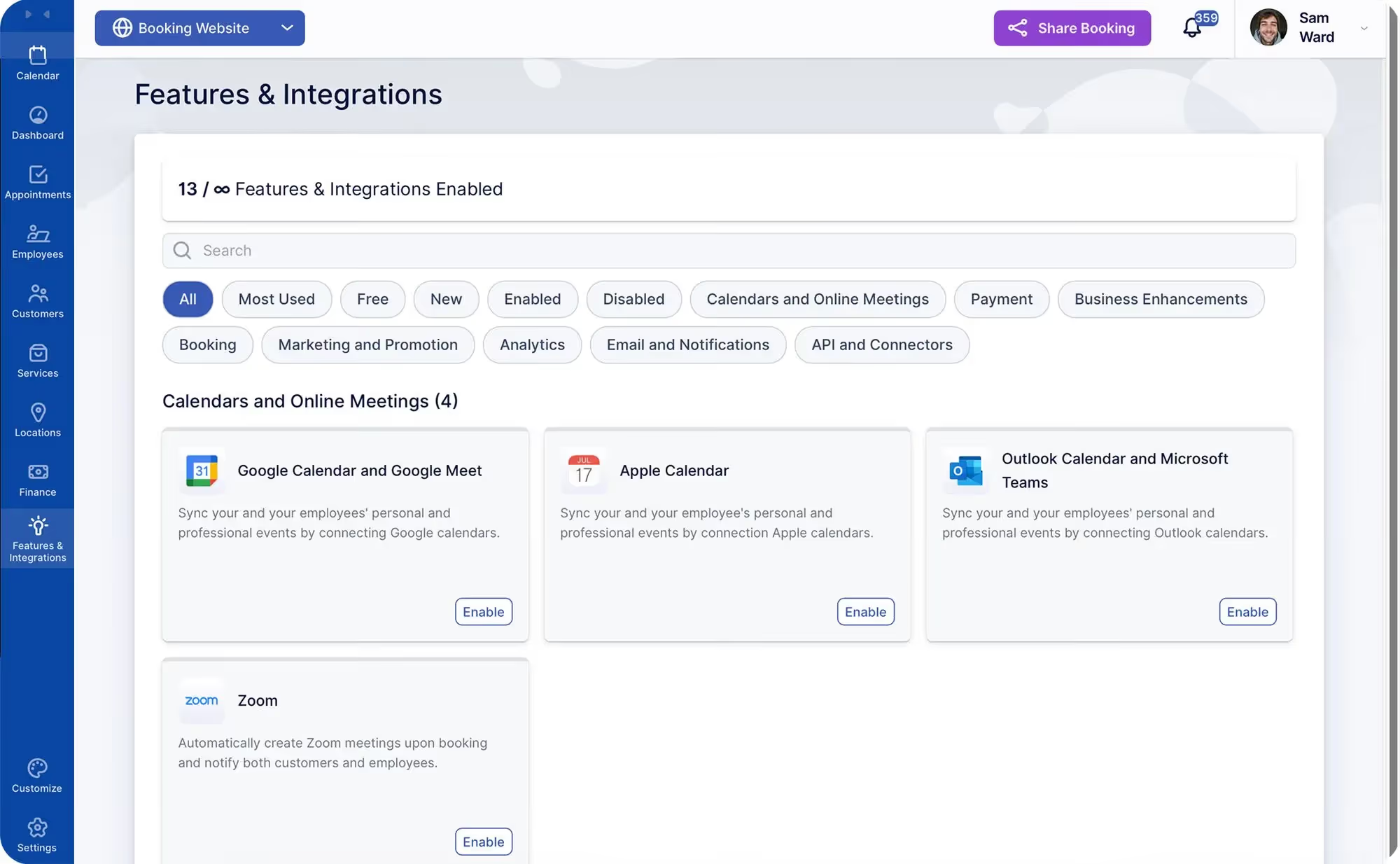
These are the features you should expect from any modern booking tool. If a platform doesn't include these in the base plan, keep looking.
- Online booking page that works on mobile and desktop.
- Automated confirmations and reminders (SMS and/or email).
- Calendar management — reschedule, cancel, and adjust without breaking things.
- Client database — names, contact details, booking history.
- Basic reporting — see how many bookings, how much revenue, which services are popular.
If you have to pay extra for any of the above, the "base price" isn't really the price.
The things that separate good from great
Beyond the basics, here's what makes a real difference day-to-day:
- Custom fields / intake forms. Collect the information you need at booking — not at arrival.
- Deposits and payment collection. Protect against no-shows without manual invoicing.
- Packages and extras. Sell multi-visit programs and upsell add-ons during booking.
- Your own branding. Your domain, your colours, your logo — not the platform's.
- Calendar sync. Two-way sync with Google, Outlook, or Apple Calendar to avoid double-bookings.
- Integrations. Connect to your email tool, accounting software, or CRM without paying for an "API tier."
The pricing traps to watch for
The question to always ask: What will this cost me in 12 months with my current team size and communication volume?
Ownership vs. renting
Most booking software is SaaS — you pay monthly, and if you stop, the software stops. You're renting access to your own calendar.
An alternative model is a lifetime license + hosting: you purchase the software once (no per-staff limits), and pay a smaller monthly fee for hosting and support. Over time, this is significantly cheaper — and the license doesn't vanish if you take a month off.
This isn't the right model for everyone. But if you plan to be in business for years, the total cost of ownership matters.
A simple checklist before you commit
Before signing up for any booking software, answer these:
What's the real monthly cost with my team size?
Are reminders, email, and intake forms included or extra?
Can I use my own domain and branding?
Can I export my data if I ever leave?
Is there a marketplace that surfaces competitors next to me?
What does the pricing look like in 2–3 years if I grow?
How QuicklyBooked answers these questions
- Lifetime license — no per-staff limits, no feature tiers.
- Light monthly hosting — predictable, transparent.
- Your branding, your domain — no marketplace, no platform logos.
- Email, reminders, intake forms, packages, integrations — all included.
- Clean data export — your client list is always yours.
Ready to own your booking system?
Try QuicklyBooked free for 60 days and see the difference.
