Learn the basics and set up your account in just a few steps.
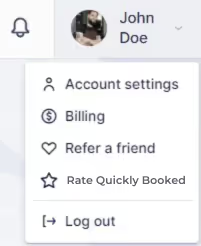
In this section, you can modify your First Name, Last Name, Email, and Time Zone. Additionally, you can upload your profile picture by clicking on the photo field or dragging and dropping a photo into the designated area. After making any changes in the Personal Info settings, be sure to click “Save Changes” at the bottom of the screen.
Change Password (available to all users)
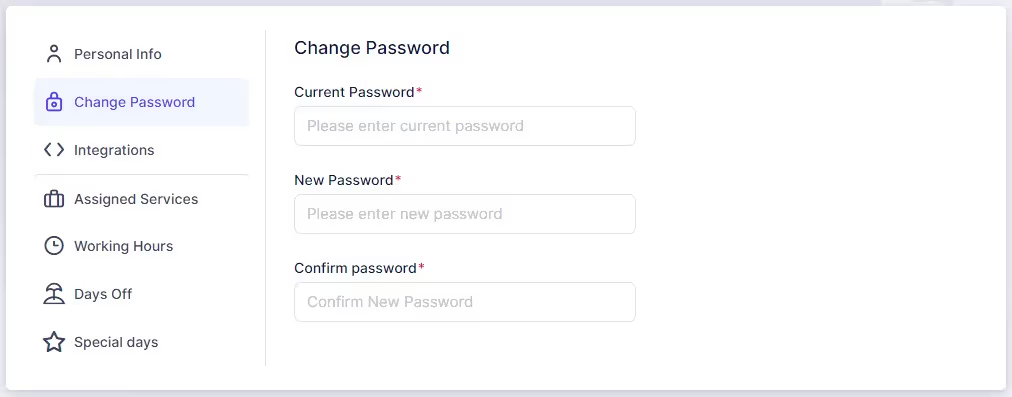
In this section, you can update the password you initially set during sign-up. To do so, enter your current password, followed by your new password, and then confirm the new password by entering it again.
Integrations (available to all users)
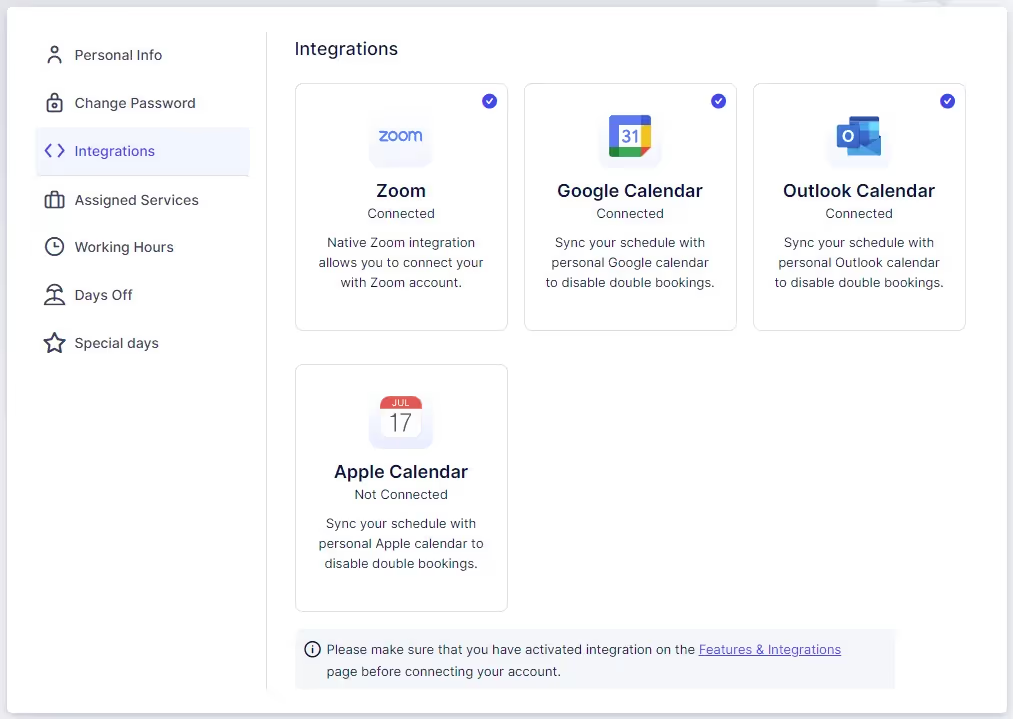
In this section, you can connect your own Zoom, Google Calendar, Apple Calendar, and Outlook Calendar with your Quickly Booked Appaccount. Other users will also have this option if the admin has activated these integrations on the Features and Integrations page.
Assigned Services (available to admins or users with custom roles)
This section allows admins or users with custom roles to enable the services they are assigned to as employees.
Working Hours (available to admins or users with custom roles)
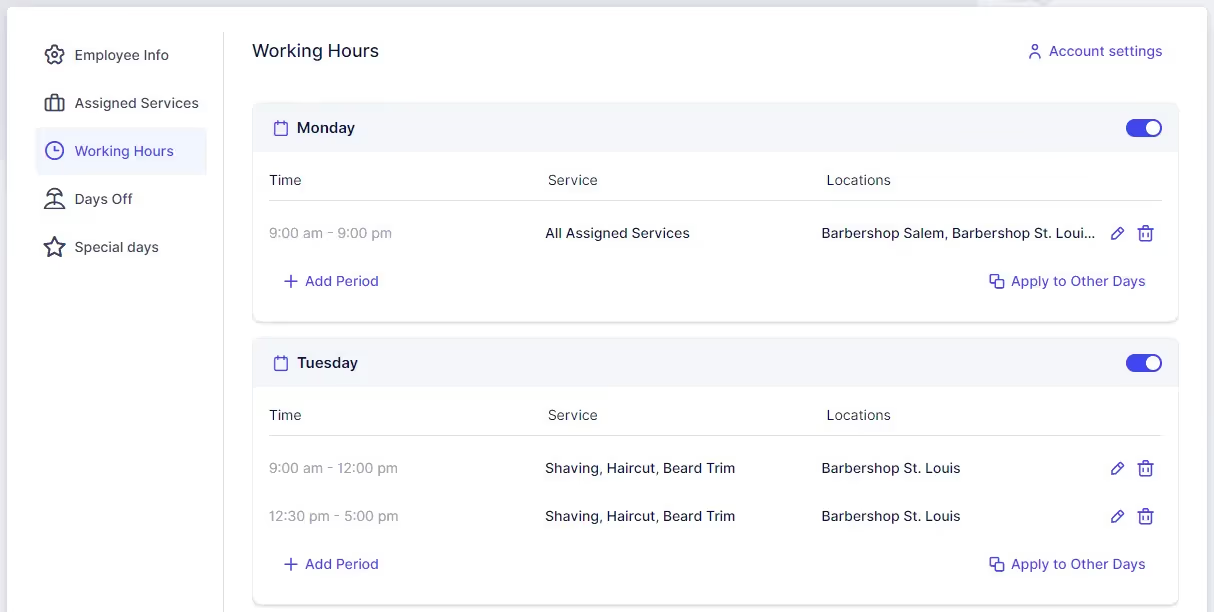
Here, the working hours for your account can be configured.
Days Off (available to admins or users with custom roles)
Configure non-working days for your account in this section.
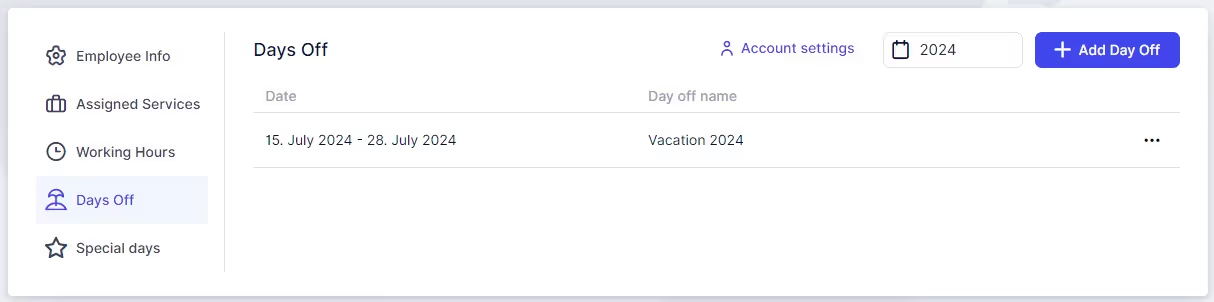
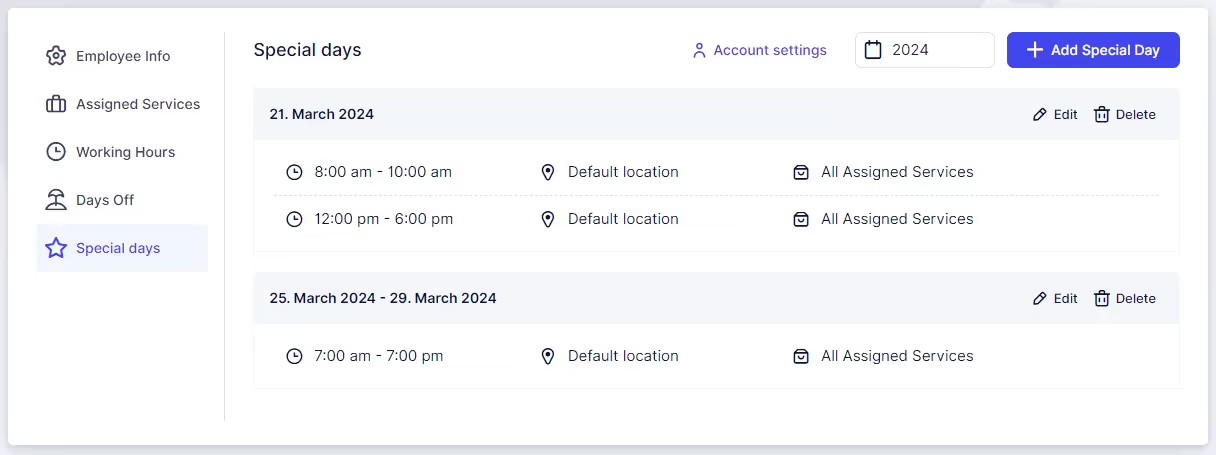
Special Days (available to admins or users with custom roles)
If enabled in Quickly Booked App's Features & Integrations section, this option appears in Account Settings. Here, you can configure special working days that do not follow the standard Working Hours.
Got questions? We’ve put together clear answers to help you get started with confidence.

All plans include unlimited staff members, services, and locations. There are no per-user or per-location fees and no upgrade required as you grow. Everything is included from day one.

Yes. You can collect deposits, full payments, or partial payments for any service. You decide the amount clients pay upfront, and the rest can be charged later or at the appointment.



