Booking Website

Build and customize your booking website to let clients schedule appointments online with ease.

Customize Languages and Labels for the Booking Website

Language

This section serves two functions:

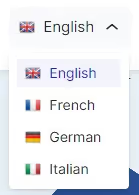
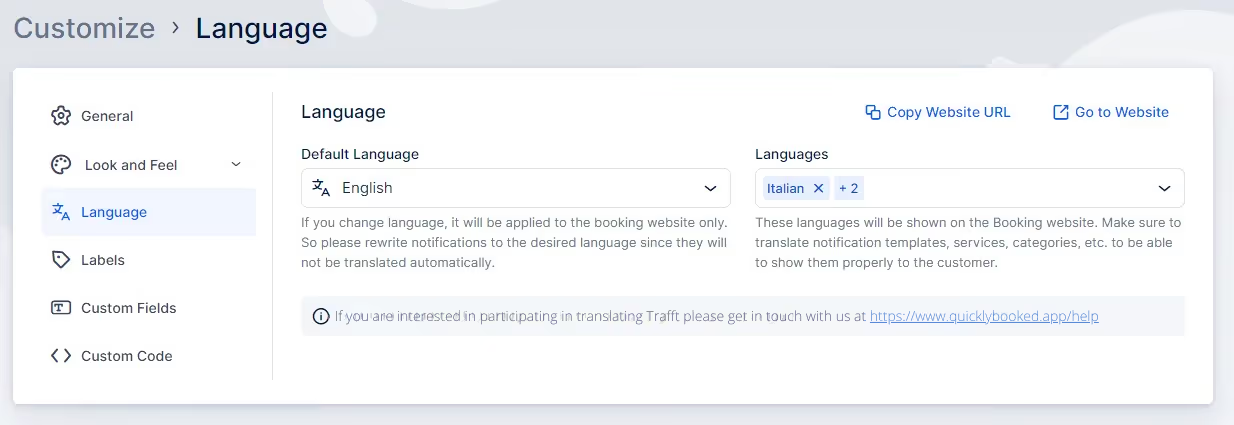
  • If you enable the Multilingual Support feature, you can set the default language for your booking website and invoices. Additionally, you can add extra languages, which will be displayed in the language drop-down on your booking website.
  • If the Multilingual Support feature is not enabled, you will only see the Default Language drop-down. This allows you to specify the language in which your booking website will be displayed.

Please Note:

  • These settings apply only to the booking website. To change the Admin Section language, please visit General Settings. At this time, languages available are Brazilian Portuguese, Czech, Dutch, English, French, German, Italian, Russian, Serbian, Spanish, Thai
  • If you wish to contribute to Quickly Booked App’s translations, please email our support team at help@QuicklyBookedApp.com.

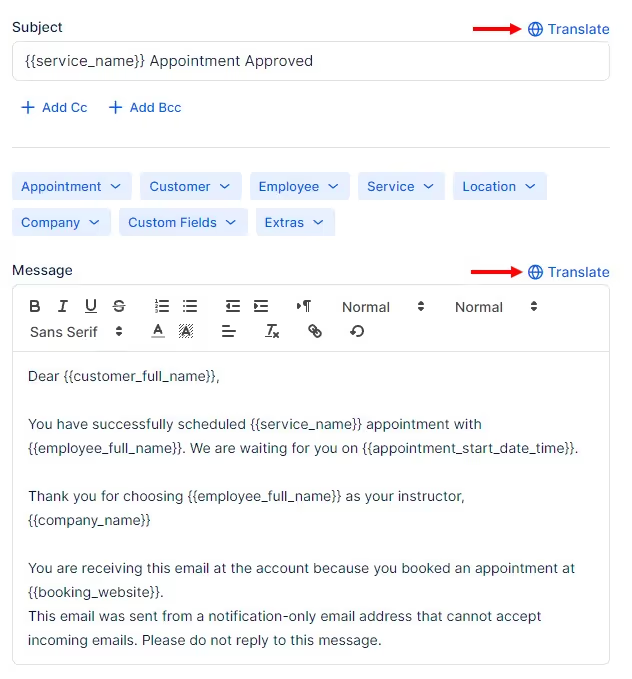
Default notification templates are not provided in languages other than English, but you can customize them and input text in any language of your choice. If you have activated the Multilingual Support feature, you can specify individual templates for each language selected in the Languages drop-down menu by clicking the “Translate” option in the right corner above the title and the body of the email template:

Quickly Booked App is currently offered in 31 languages (English included) but we’re constantly adding more:

  • Arabic
  • Brazilian Portuguese
  • Bulgarian
  • Chinese (Traditional)
  • Chinese (China, Simplified)
  • Chinese (Taiwan, Simplified)
  • Czech
  • Danish
  • Dutch
  • Finnish
  • Estonian
  • French
  • French (Belgium)
  • German
  • Greek
  • Hebrew
  • Hungarian
  • Indonesian
  • Italian
  • Japanese
  • Korean
  • Malay
  • Norwegian
  • Polish
  • Portuguese
  • Romanian
  • Russian
  • Serbian
  • Slovak
  • Slovenian
  • Spanish
  • Swedish
  • Thai
  • Traditional Chinese
  • Turkish
  • Ukrainian
  • Vietnamese
  • West Flemish (Belgium)

Labels

You also have the flexibility to personalize the labels used throughout your booking form. If these fields are left blank, the default labels will be applied. Currently, there are over 50 labels available for translation/modification, and we are continuously adding more. Please feel free to contact us using the support beacon in the bottom right corner if there’s a specific label missing that you require.
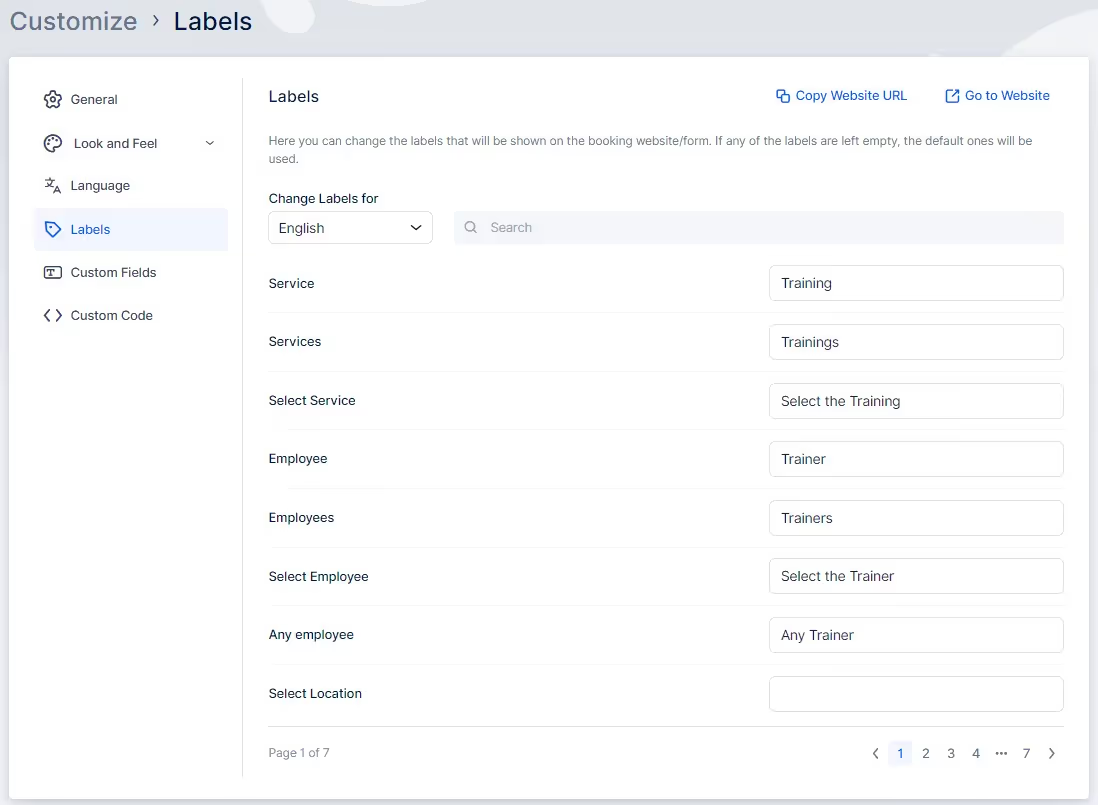
Please note that these labels will be applied on the booking website, not in the back-end (Admin) section of Quickly Booked App.

Frequently Asked Questions

Got questions? We’ve put together clear answers to help you get started with confidence.

What does each plan include — staff, services, and locations?

plus icon

What does each plan include — staff, services, and locations?

All plans include unlimited staff members, services, and locations. There are no per-user or per-location fees and no upgrade required as you grow. Everything is included from day one.

close-small

Can I collect deposits or partial payments for bookings?

plus icon

Can I collect deposits or partial payments for bookings?

Yes. You can collect deposits, full payments, or partial payments for any service. You decide the amount clients pay upfront, and the rest can be charged later or at the appointment.


close-small

Ready to own every feature you’ve seen here — for life?

Take control with a booking system built for your business, not subscriptions.

Live Demo
arrow-right-up